Too tired to write the reply? Hand it to AI in one line
Written by the team that makes Dotok. Free options come first.
In short
- One line is enough — type “ok” or “say I’m running late” and the AI writes the reply in their language.
- Don’t feel like typing — tap the mic and say it.
- Before you send — check the read-back in your language, then press Send yourself.
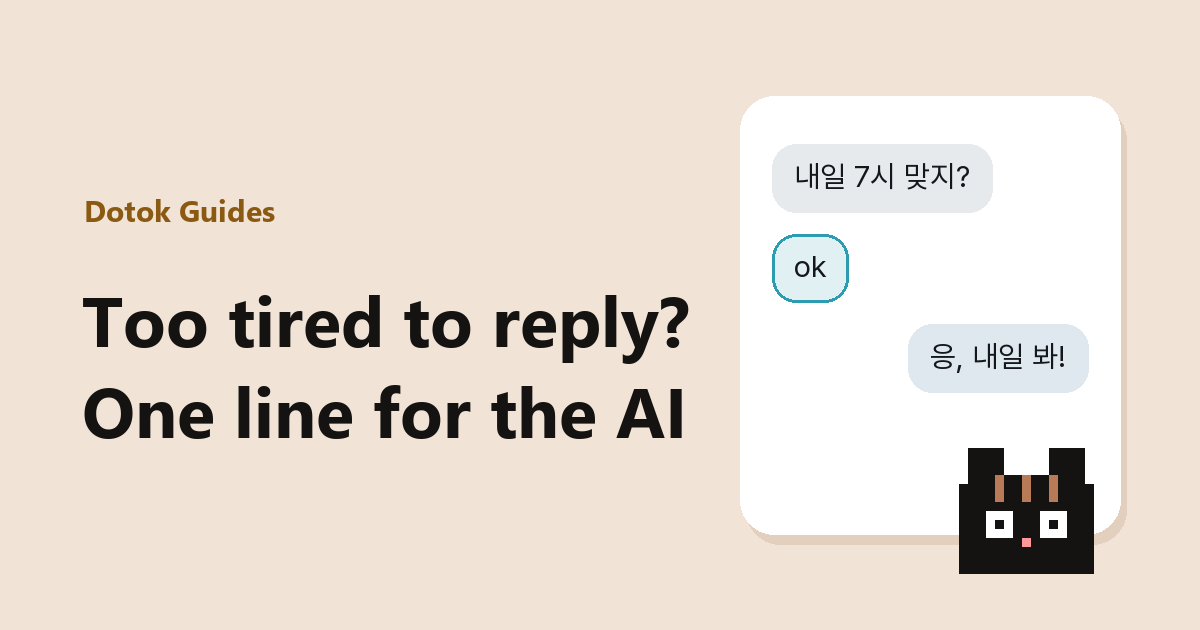
In another language, the hard part isn’t what to say but building the sentence. Just say the point.
Short instructions work
Don’t feel like typing? Say it
Tap the mic in the input row and say something like “tell them thanks”. The draft appears.
One-line instructions to copy
- say got it
- thank them, say see you next time
- say I’m running late, sorry
- decline politely
- happy birthday, keep it short
AI sentences can be wrong. For plans and money, always check the read-back.
On a Samsung phone, Galaxy AI Chat Assist’s suggested replies and writing styles are worth a try too. To get the reply closer to what you want, see how to write the instruction.
FAQ
- Does the AI send the message by itself?
- No. It only places the draft in the input field. You press Send.
- Will it reply without any instruction?
- No. You need to say what you want, even briefly. That keeps a reply you didn’t mean from going out.
Sources
Read next
 AI replies that come out the way you askedHow to instruct AI when it writes a reply in another language for you. Put in three things: what to say, the tone, and what to leave out. With examples.
 How to translate Korean chat messages and reply in KoreanHow to translate Korean messages on KakaoTalk and WhatsApp, the Korean texting abbreviations translators get wrong (ㅋㅋ, ㅇㅇ, ㄱㅅ, ㄱㅊ), and how to write a reply in Korean.
 WhatsApp translator apps: which one fits your situationWhich app or feature to use for translating WhatsApp chats, by situation. WhatsApp’s built-in translation, Gboard, Google Translate, Galaxy AI and an overlay translator compared in one table.