WhatsApp translator apps: which one fits your situation
Written by the team that makes Dotok. Free options come first.
In short
- Now and then, short messages — WhatsApp’s built-in translation plus Gboard is free and enough.
- Galaxy phone — start with Galaxy AI Chat translation.
- Every day, and replies are the hard part — a translator that floats over the messenger fits.
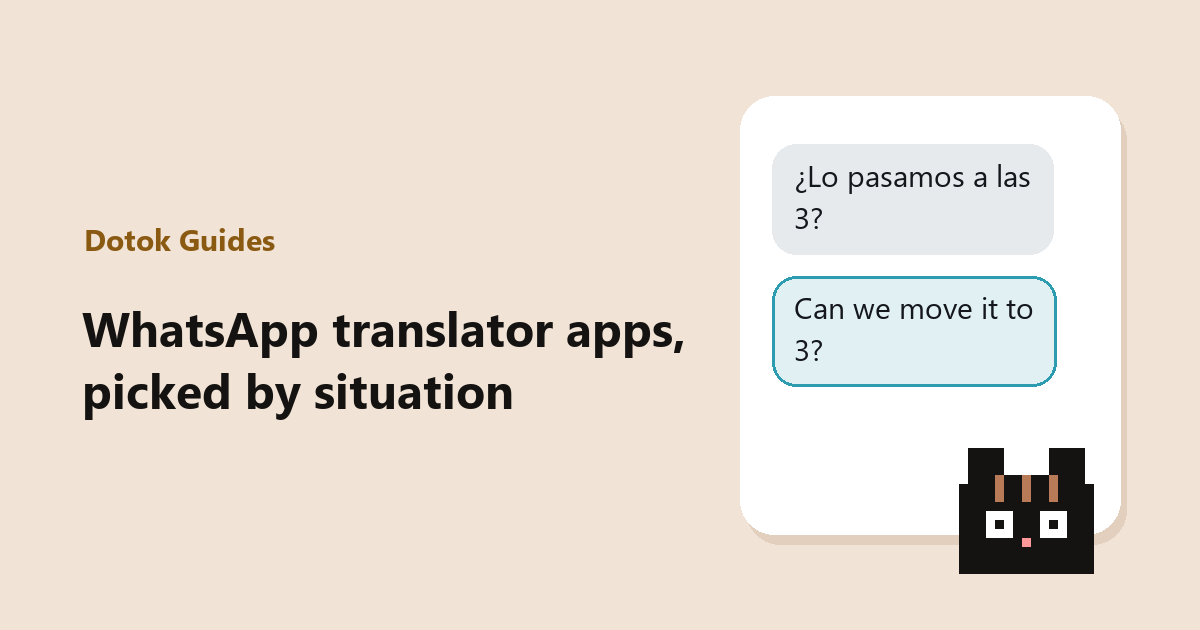
There is no single best translator app, only the one that fits how you chat. Pick yours.
What’s your situation?
Now and then, shortWhatsApp built-in translation + Gboard
Press and hold a message to read it, use the keyboard’s Translate to reply. Free, and almost nothing to install.
Galaxy phoneGalaxy AI Chat translation
Translates both what you read and what you write, from the Samsung keyboard. Nothing to install on supported models.
Long text, text in photosGoogle Translate
Copy the text or point the camera at it. Better for long passages, menus and signs than for a chat.
Every day, replies are hardOverlay translator — Dotok (our app)
Reads the earlier messages before translating, and writes your reply in their language from a short note of what you want to say.
At a glance
| App or feature | Reading | Replying | Copying | Needs · cost |
|---|---|---|---|---|
| WhatsApp built-in translation | ○ | ✕ | Not needed | Supported languages only · free |
| Gboard Translate | ✕ | ○ | Not needed | Gboard keyboard · free |
| Google Translate Tap to Translate | ○ | △ | Needed | Free |
| Galaxy AI Chat translation | ○ | ○ | Not needed | Supported Galaxy models |
| Dotok | ○ reads earlier messages | ○ AI writes it | Not needed | Android 8.0+ · 20 free a day |
Three things to check
- Do you have to copy? — In a long chat this is the tiring part. How to skip it
- Does it help you reply? — Many features only translate what you read.
- Does it read the earlier messages? — The shorter the message, the more a sentence-only translation drifts. See examples
FAQ
- Do translator apps store my conversations?
- It depends on the app. WhatsApp’s built-in translation runs on your phone. Dotok sends the message you translate and up to six before it to its server and does not keep conversations (OpenAI retains data for up to 30 days, then deletes it).
- Does it work on iPhone?
- WhatsApp’s built-in translation, Google Translate and Gboard work on iPhone too. Galaxy AI and Dotok are Android only.
Sources
- WhatsApp Blog — Introducing Message Translations
- Gboard Help — Translate as you type
- Google Translate Help — Translate text in other apps
- Samsung — Using Chat Assist (Writing Assist)
Read next
 How to chat in another language on WhatsApp without copying into a translatorFour ways to read and answer foreign-language WhatsApp messages without copying them into a translator app: WhatsApp’s built-in translation, Gboard, Galaxy AI and an overlay translator.
 How to auto-translate WhatsApp messages as they arriveThree ways to translate incoming WhatsApp messages automatically instead of one by one: WhatsApp auto-translate, Galaxy AI Chat translation and an overlay translator, with their limits.
 Too tired to write the reply? Hand it to AI in one lineHow to have AI write a reply in another language from a one-line note or a spoken sentence. Short instructions that work, and how to check the draft before you send.